
Bolt.new vs Lovable vs Replit: Best Tool for Your First App
Choosing between Bolt.new vs Lovable vs Replit is one of the first real decisions you face as a new app builder in 2026. All three tools promise the same thing: describe your idea in plain English, and an AI agent turns it into a working app. However, they get there in very different ways, and those differences matter a lot on your first project.
Maybe you have an idea for a booking page, a habit tracker, or a small tool for your team. You do not want to spend six months learning to code first. At the same time, you do not want a platform that drains your budget, hides your code, or leaves you stuck when something breaks.
This guide puts Bolt.new, Lovable, and Replit side by side. First, we compare ease of use, features, tech stacks, databases, hosting, pricing, code ownership, and security. Then we match each tool to the kind of beginner it suits best, so you can start building with confidence instead of guessing.
One quick note before we begin. All prices and features below reflect what each company publishes as of September 2026. Because these platforms ship updates almost every week, always confirm the latest details on the official pricing pages before you subscribe.
Quick Verdict: Bolt.new vs Lovable vs Replit at a Glance
If you only have a minute, here is the short answer. Each tool wins for a different type of first-time builder, so the best choice depends on your goal rather than on raw power.
- Pick Lovable if you have zero coding experience and want a polished, good-looking web app with the fewest decisions along the way.
- Pick Bolt.new if you want speed, full visibility into your code, and the freedom to choose between popular JavaScript frameworks.
- Pick Replit if you want to learn programming as you build, prefer Python or another language, or need a web app and a mobile app in one project.
The table below summarizes the Bolt.new vs Lovable vs Replit comparison. We explain every row in detail later in the guide.
| Feature | Bolt.new | Lovable | Replit |
|---|---|---|---|
| Best for | Fast JavaScript prototypes | Non-coders building polished web apps | Learning to code and multi-platform projects |
| Made by | StackBlitz | Lovable (Stockholm, Sweden) | Replit |
| Main tech stack | React, Vue, Svelte, Next.js, Astro, and other JavaScript frameworks | React, TypeScript, Tailwind CSS, TanStack Start | Dozens of languages, including Python and JavaScript |
| Free plan | 1M tokens per month (300K daily cap) | 5 credits per day (up to 30 per month) | Daily Agent credits, 1 published app |
| Entry paid plan (monthly) | Pro at $25 | Pro at $25 (100 credits) | Core at about $20 |
| How usage is measured | Tokens | Credits | Effort-based credits |
| Built-in backend | Bolt Database (Bolt Cloud) | Lovable Cloud | Built-in database, auth, and hosting |
| Native mobile apps | Yes, through Expo | Focus on web apps | Yes, alongside web apps |
| Learning curve | Low to medium | Lowest | Medium |
In short, Lovable is the gentlest starting point, Bolt.new is the fastest way to see real code running, and Replit is the most complete environment for growing into a developer.
What Are AI App Builders, and Why Do Beginners Love Them?
AI app builders are platforms where you type what you want, and an AI agent writes, runs, and fixes the code for you. Many people call this style of building “vibe coding.” Instead of memorizing syntax, you focus on the idea, the screens, and how the app should behave.
For beginners, this changes everything. Previously, a simple app with user accounts and a database meant weeks of setup. Now, a clear prompt can produce a working first version in minutes. As a result, the real skill shifts from typing code to describing problems clearly and testing the results.
That said, AI app builders are not magic. They still make mistakes, and they still produce real code that someone has to understand eventually. This is exactly why the Bolt.new vs Lovable vs Replit decision matters: each tool balances simplicity and control differently.
Meet the Contenders
Before we compare features, it helps to understand where each platform comes from. Their histories explain a lot about how they behave today.
What Is Bolt.new?
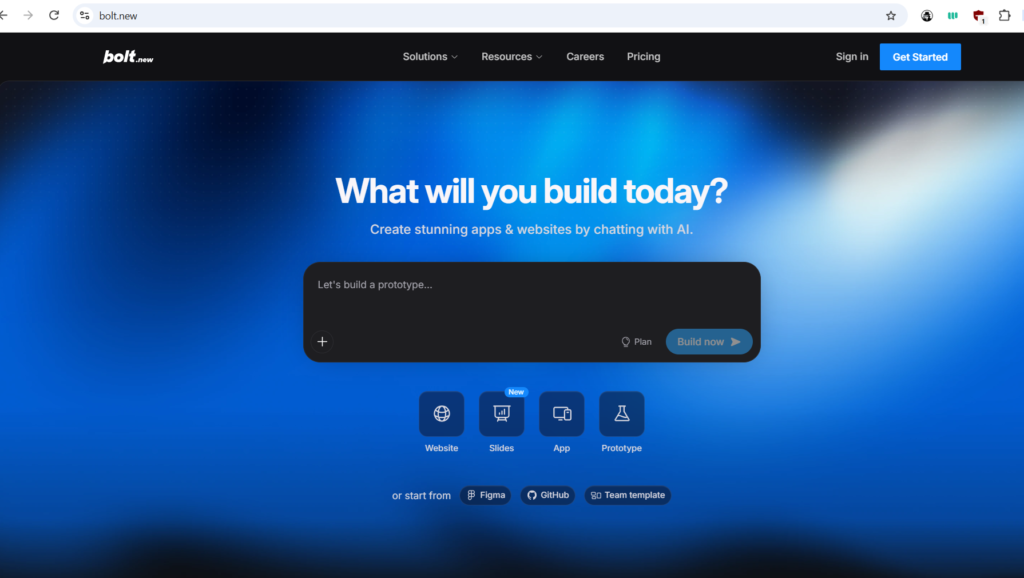
Bolt.new is an AI app builder created by StackBlitz, the company behind a browser-based coding environment. Its secret weapon is WebContainers, a technology that runs a full Node.js environment directly inside your browser tab. Because of this, your app starts instantly, with no servers to configure and nothing to install.
Bolt shows you the chat, the file tree, and a live preview at the same time. In addition, it now includes Bolt Cloud, which bundles hosting, domains, and a built-in database. Bolt focuses on JavaScript technologies, so it supports frameworks such as React, Vue, Svelte, Next.js, and Astro, plus mobile apps through Expo.
What Is Lovable?
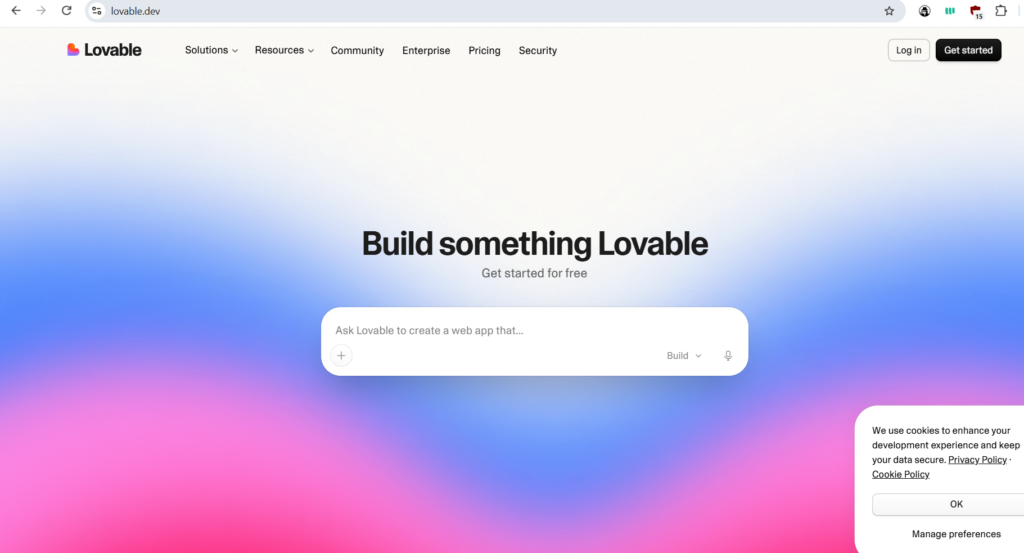
Lovable is a Stockholm-based AI app builder that started life as an open-source project called GPT Engineer. Its whole design aims at people who have never written code. You chat with the agent, watch your app appear, and then tweak it with visual editing tools that feel similar to a design app.
Under the hood, Lovable generates React and TypeScript code styled with Tailwind CSS. Since May 2026, new Lovable projects also use server-side rendering through TanStack Start, which helps pages load quickly and rank better in search. Meanwhile, Lovable Cloud gives every project a built-in backend for data, logins, and file storage.
What Is Replit?
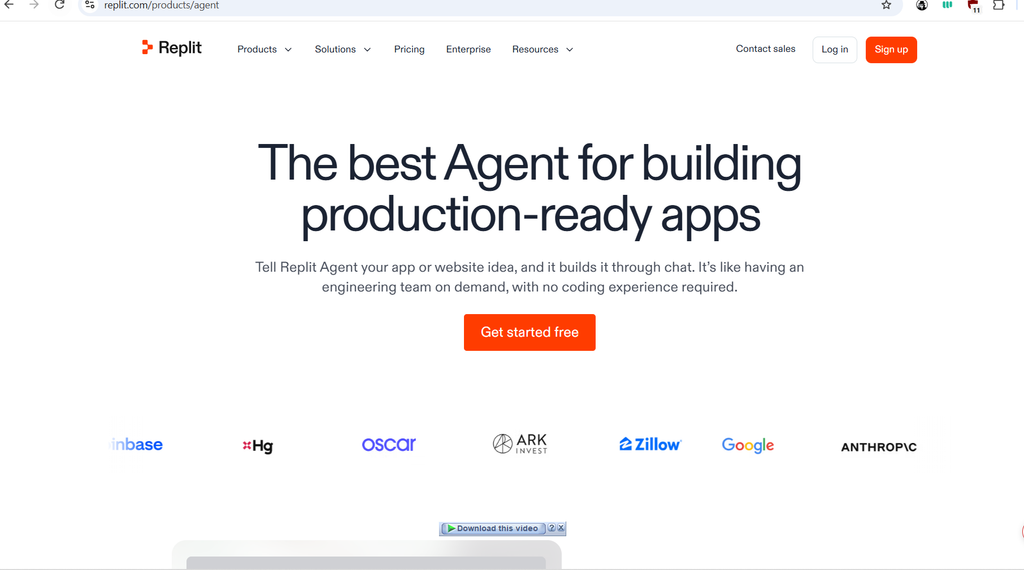
Replit is the oldest of the three. It began as an online coding environment where students and developers could write and run code in almost any language. Over time, it added Replit Agent, an AI that can plan, build, test, and publish entire applications.
In March 2026, Replit launched Agent 4, its biggest update so far. It added a visual design canvas, parallel agents that work on several tasks at once, and projects that hold a web app, a mobile app, and even a slide deck together. Consequently, Replit now sits somewhere between an AI app builder and a full professional coding platform.
Also Read: Best AI Coding Assistants for Beginners in 2026: 9 Tools Compared
How We Compared These AI App Builders
A fair comparison needs clear rules. So instead of asking which tool is “best” in general, we asked which tool is best for someone building their very first app. With that goal in mind, we judged Bolt.new, Lovable, and Replit on seven practical criteria:
- Ease of use: How quickly can a complete beginner get a working result?
- Features: What can the AI agent actually do, and how much control do you get?
- Tech stack: Which languages and frameworks does each tool support?
- Backend and hosting: Can you store data, add logins, and publish online without extra services?
- Pricing: What does the free plan include, and what will a realistic first month cost?
- Ownership and security: Can you take your code elsewhere, and does the tool help you ship safely?
- Learning value: Will you understand more about software after using it?
Ease of Use: Which Tool Is Friendliest for Beginners?
Ease of use is where the Bolt.new vs Lovable vs Replit gap feels widest on day one. All three start with a single chat box. However, what happens after you press Enter feels quite different.
Lovable: The Gentlest Start
Lovable hides almost all technical detail by default. You describe your app, the agent builds it, and a clean preview appears on the right. If you want to change a color, a font, or some text, you can click the element and edit it visually instead of writing another prompt.
Lovable also nudges you to plan before you build. Its Plan mode lets you talk through features without changing any code. Furthermore, in September 2026, Lovable introduced a free daily chat allowance, so you can brainstorm and ask questions without spending credits. For a nervous first-timer, this calm, guided flow is a big advantage.
Bolt.new: Fast and Transparent
Bolt.new feels slightly more technical, but it is still very approachable. The interface shows your chat, your files, and a live preview together. As a result, you can watch the AI create each file, which helps you learn what a real project looks like.
Recently, Bolt added several beginner-friendly touches. You can now make visual edits directly in the preview, and those edits are free until you save them. You can also dictate prompts by voice, queue up to 20 prompts while Bolt works, and use Plan Mode to think before building. One small catch remains: Bolt works best in Chrome and other Chromium browsers, and Safari support comes with some limits.
Replit: Powerful but Busier
Replit gives you the most tools, which also means the most buttons. A beginner will see the Agent chat, a preview, a file tree, a console, and settings for databases and secrets. At first, this can feel like a lot.
Even so, Replit has worked hard to smooth the path. Its Agent asks clarifying questions, builds a plan, and tests its own work in a live browser. In August 2026, Replit also added Free Mode, which lets you chat, explore ideas, and build without spending your premium Agent credits, within limits set by your plan. Once you get comfortable, the extra tools become a benefit rather than a burden.
Winner for ease of use: Lovable, with Bolt.new a close second.
Features Compared: Bolt.new vs Lovable vs Replit
On paper, all three platforms can build a full-stack web app from a prompt. The real differences show up in how their AI agents work, how you edit designs, and which technologies you can use. Let’s break the Bolt.new vs Lovable vs Replit feature battle into five parts.
AI Agents and Build Modes
Each tool now offers more than one way to work with its AI. This matters because choosing the right mode saves both time and money.
- Bolt.new lets you choose between two main agents. Standard handles everyday building, while Max applies deeper reasoning to complex tasks. In September 2026, Bolt also started a research preview of Bolt Forge, a third agent that runs on open-source models and comes with a larger usage allowance for Pro users.
- Lovable offers Plan mode for discussion, Build mode for actual changes, and a free chat for brainstorming. Its agent can also spin up subagents that research and search your project in parallel, which helps with larger apps.
- Replit offers Free Mode plus premium Power and Max modes. Moreover, Agent 4 can run several agents in parallel, so one agent can build the login system while another designs the dashboard.
Visual Editing and Design
Good design often decides whether people trust your first app. Fortunately, all three tools now let you adjust the look without writing CSS.
Lovable pioneered this with Visual Edits, a click-to-edit experience for text, colors, and spacing. Bolt.new followed with visual edits inside the preview, and it can also import frames from Figma and designs from Google Stitch. Replit takes a different approach with its infinite Design Canvas, where you can generate several design variants side by side and apply your favorite directly to the app.
Tech Stack and Language Support
This is where the three tools differ most. If you already know which language you want to learn, this section may decide the Bolt.new vs Lovable vs Replit question for you.
| Tool | Frontend | Backend languages | Best fit |
|---|---|---|---|
| Bolt.new | React, Vue, Svelte, Next.js, Astro, and more | Node.js only (no Python or PHP backends) | JavaScript web apps and Expo mobile apps |
| Lovable | React with TypeScript and Tailwind CSS | Managed backend through Lovable Cloud | Polished web apps and SaaS prototypes |
| Replit | Almost any web framework | Python, JavaScript, and many other languages | Learning, scripts, bots, data apps, and full-stack apps |
In other words, Lovable makes the stack decisions for you, Bolt.new gives you choice within JavaScript, and Replit gives you the widest range of all.
Mobile App Support
Many beginners dream of seeing their app on a phone. Bolt.new can build mobile apps with Expo, a popular framework for React Native. Replit goes further, because Agent 4 can build a native mobile app alongside your web app in the same project, and you can preview it in an iOS Simulator or Android Emulator.
Lovable, by contrast, focuses on responsive web apps that work well in a phone browser. It does offer iOS and Android apps, but those apps let you build and manage projects on the go rather than generate app store software.
Integrations and Connectors
Real apps often need payments, email, or data from other tools. Bolt.new supports Stripe, Supabase, Netlify, GitHub, and MCP connectors for tools such as Notion and Linear. Lovable offers close to 100 app connectors, and its apps can even work inside AI assistants such as ChatGPT and Claude. Replit connects to services like Stripe, Slack, Notion, and Linear, and it can import projects from GitHub, Bolt, Lovable, and Figma.
Winner for features: Replit for breadth, with Lovable leading on design polish.
Backend, Databases, and Hosting Made Simple
A pretty screen is only half an app. Most useful projects also need a database to save information, a login system, and a place to live online. Just a year or two ago, beginners had to wire these pieces together from separate services. Today, Bolt.new, Lovable and Replit all include them out of the box.
Bolt.new and Bolt Cloud
Bolt Cloud combines hosting, domains, and Bolt Database in one place. Every project can use built-in databases that Bolt creates automatically when your app needs one. Bolt Database also covers authentication, server functions, secrets, user management, and file storage.
When you are ready to go live, you click Publish, and your app appears on a free Bolt host address. Paid plans let you connect a custom domain and remove Bolt branding. If you prefer, you can still connect your own Supabase project or publish through Netlify instead.
Lovable and Lovable Cloud
Lovable Cloud is Lovable’s built-in backend, built on open-source Supabase technology. You simply tell Lovable that users should sign up, save notes, or upload photos, and it sets up the tables, logins, and storage for you. There are no external dashboards to learn on day one.
Publishing is just as easy. Free projects publish to a lovable.app subdomain, while Pro plans add custom domains and remove the Lovable badge. Lovable also creates a public trust center page for published apps, showing which security controls are active.
Replit’s All-in-One Workspace
Replit has offered hosting for years, so its publishing options are the most mature. Your project comes with a built-in database, authentication options, secrets management, and deployment in the same workspace. In September 2026, Replit added scheduled daily backups for production databases and Project Analytics for published web apps.
On the free Starter plan, you can publish one project. Paid plans unlock more published apps, private deployments, and custom domains. Because Replit supports many languages, you can also host things the other two cannot, such as a Python bot or a data dashboard.
Why This Matters for Your First App
In practice, all three backends are good enough for a first app with real users. The bigger difference is flexibility later. Bolt.new and Lovable keep you inside a managed, web-focused setup, whereas Replit lets you run almost any kind of program. Keep that in mind if your idea might grow beyond a simple website.
Winner for backend and hosting: Replit, although Lovable Cloud is the easiest to set up.
Bolt.new vs Lovable vs Replit Pricing in 2026
Pricing is where many beginners get surprised. All three tools look affordable at first glance, yet each one measures usage differently. So before you compare dollar amounts, you need to understand what you are actually paying for.
| Plan | Bolt.new | Lovable | Replit |
|---|---|---|---|
| Free | $0: 1M tokens per month, 300K per day, Bolt branding | $0: 5 credits per day, up to 30 per month | $0: daily Agent credits, publish 1 app |
| Entry paid (monthly billing) | Pro: $25 for 10M tokens | Pro: $25 for 100 credits | Core: about $20, with about $20 of credits |
| Annual discount | Pro drops to about $18 per month | Pro drops to about $21 per month | Core drops slightly below $20 per month |
| Team plan | Teams: $30 per member | Business: $50 (unlimited members) | Pro: $100 for up to 15 builders |
| Unused allowance | Pro tokens roll over one extra month | Plan credits roll over while subscribed | Core credits expire; Pro credits roll over one month |
Prices as of September 2026. Check the official Bolt pricing, Lovable pricing, and Replit pricing pages before you buy.
How Each Tool Measures Usage
The biggest difference in the Bolt.new vs. Lovable vs. Replit pricing debate is the unit of measurement.
- Bolt.new uses tokens. Tokens are small chunks of text the AI reads and writes. Because Bolt sends your project files to the AI with each message, bigger projects use more tokens per prompt.
- Lovable uses credits. In Build mode, cost depends on the size of the change. For example, Lovable’s own examples show a small style tweak costing about half a credit, while a full landing page costs about two credits. Plan mode messages cost one credit each.
- Replit uses effort-based pricing. Replit charges according to how much work the Agent does for each checkpoint. Simple requests cost cents, while large features can cost several dollars.
Free Plans Compared
For a true first app, the free plans deserve a close look. Bolt’s free plan is the most generous for pure building, since one million monthly tokens can cover a simple landing page or small tool. However, the 300,000 daily cap means you cannot do one huge build session.
Lovable’s free plan gives you five build credits a day, capped at 30 a month. That is enough for a small project spread over a few weeks. Plus, its new free chat allowance lets you plan without touching those credits. Replit’s free Starter plan includes daily Agent credits and one published app, which works well for experiments but runs out quickly on bigger ideas.
Hidden Costs Beginners Overlook
The sticker price is rarely the full story. Watch out for these common surprises:
- Debugging loops: When the AI struggles with a bug, each retry spends more tokens or credits.
- Growing projects: On Bolt, token use per message rises as your codebase grows.
- Running costs: Lovable now uses one credit balance for building, hosting, and in-app AI. If that balance hits zero, Lovable warns that backend services such as your database can pause.
- Overages: On Replit, Agent work, publishing, and storage beyond your monthly credits are billed as pay-as-you-go usage.
- Top-ups: Extra credit packs usually cost more per unit than your plan’s included allowance.
If you are a student, check the Lovable student discount, which offers 50% off Pro for verified students on the free plan. Also, keep an eye on Bolt Lite, a $9 per month Forge-only plan that Bolt announced with a waitlist in September 2026.
Winner for pricing: Bolt.new for solo beginners who build often, while Lovable’s free plan is best for slow, careful learners.
Code Ownership and Avoiding Lock-In
Your first app might become a side business, a portfolio piece, or a job-winning demo. For that reason, you should always know whether you can take your code with you. Here, the Bolt.new vs Lovable vs Replit picture is reassuring, because all three generate real, standard code rather than a locked proprietary format.
- Bolt.new shows every file in Code view. You can connect a project to GitHub, sync commits, work with branches, or export a copy before you delete a project.
- Lovable syncs your project to GitHub, and paid plans let you edit and download the code directly. Lovable’s terms also state that you own the apps and code you build.
- Replit is a full coding environment, so your files are always visible and editable. You can import from GitHub, push to GitHub, and even import existing Bolt or Lovable projects.
There is one honest caveat. Exporting code is easy, but moving the backend is harder. If your app depends on Bolt Database, Lovable Cloud, or Replit’s managed services, a move to another host means reconnecting the database, logins, and storage yourself. Therefore, treat these managed backends as a convenience, not as a permanent home you can never leave.
Security: What Beginners Must Check Before Launch
AI-generated apps can contain the same security holes as human-written ones. In fact, beginners are more likely to miss them because they do not yet know what to look for. The good news is that all three platforms now include security tools.
Bolt.new automatically reviews security when you publish, and paid plans can run a full project security audit that fixes most issues without using tokens. New Bolt databases also block passwords that appeared in known data breaches. Lovable offers automatic security scanning, scan scheduling, and integrations with specialist security partners. Meanwhile, Replit provides security scans while you build, plus deeper scans that include an automated penetration test of your live preview.
Still, a scanner is not a guarantee. Before you invite real users, run through this short checklist:
- Never paste API keys directly into your code; use each platform’s secrets manager instead.
- Ask the AI to explain who can read and write each database table.
- Test your app while logged out to confirm private data stays private.
- Run the built-in security scan again after every major change.
Winner for ownership and security: a tie. All three give you real code and useful scanners, so your own habits matter most.
Which Tool Teaches You the Most?
Some beginners only want a finished app. Others want to understand how software works, perhaps to change careers. If you belong to the second group, learning value might be the deciding factor in your Bolt.new vs Lovable vs Replit choice.
Replit teaches the most. It exposes the console, the files, the packages, and the running processes. You can ask the Agent to explain any file, then edit it yourself and see what breaks. Because Replit supports Python and many other languages, it also works well alongside online courses.
Bolt.new comes second. Watching the AI build a project file by file gives you a clear mental model of how a modern JavaScript app fits together. Once you feel curious, you can open Code view and start making small changes by hand.
Lovable teaches the least code, but it teaches product thinking well. Its Plan mode and free chat encourage you to define features, user flows, and priorities before building. That skill matters just as much as syntax when you ship real products.
Sample First Project: A Habit Tracker on All Three Tools
To make the differences concrete, imagine you want to build a simple habit tracker. Users sign up, add habits, tick them off each day, and see a streak counter. Here is how the typical workflow looks on each platform.
Building It on Lovable
You would start in Plan mode and describe the idea. Lovable asks follow-up questions, proposes pages, and suggests a database structure. After you approve the plan, Build mode creates the screens and connects Lovable Cloud for logins and data. Next, you polish colors and spacing with visual edits, then publish to a Lovable app address.
Building It on Bolt.new
On Bolt, you would pick a framework or let Bolt choose one, then describe the tracker. Bolt generates the files while you watch the preview update. Then it sets up Bolt Database for users and habits. Finally, you fine-tune the design in the preview and publish to bolt. host, or connect a custom domain on Pro.
Building It on Replit
On Replit, you would describe the tracker to the Agent, which creates a plan and a task list. Parallel agents can build the web interface and the database at the same time. Later, you could ask Replit to add a mobile version in the same project, sharing the same backend. After that, you publish from the same workspace.
What This Example Shows
All three tools can deliver this project. The difference lies in the path. Lovable feels like working with a product designer, Bolt.new feels like pairing with a fast front-end developer, and Replit feels like joining a small engineering team.
Pros and Cons of Each Tool
No tool is perfect, and every strength comes with a trade-off. The lists below sum up Bolt.new vs Lovable vs Replit strengths and weaknesses for first-time builders.
Bolt.new Pros and Cons
Pros:
- Instant in-browser previews thanks to WebContainers.
- Generous free plan with one million tokens per month.
- Choice of popular JavaScript frameworks, plus mobile apps through Expo.
- Full code visibility, GitHub sync, and free visual edits until you save.
- Pro tokens roll over for one extra month.
Cons:
- Backends are limited to Node.js, so Python and PHP are out.
- Token use grows as your project grows.
- Works best in Chromium browsers; Safari has limits.
Lovable Pros and Cons
Pros:
- The easiest learning curve for complete beginners.
- Beautiful default designs and strong visual editing.
- Lovable Cloud sets up logins and databases from plain-English requests.
- Unlimited team members on every plan, with a 50% student discount.
- Free chat and Plan mode encourage good planning habits.
Cons:
- A small free allowance of 30 build credits per month.
- Focused on web apps rather than native mobile apps.
- One shared credit balance means a heavy build week can affect a live app’s running services.
Replit Pros and Cons
Pros:
- Supports dozens of languages, including Python.
- Web apps, mobile apps, and more inside one project.
- Design Canvas and parallel agents speed up bigger builds.
- Mature hosting, backups, analytics, and security scanning.
- The best platform for actually learning to code.
Cons:
- The busiest interface of the three.
- Effort-based pricing makes monthly costs harder to predict.
- The free plan allows only one published app.
Which Should You Choose for Your First App?
By now, you have seen that the Bolt.new vs Lovable vs Replit decision is less about which tool is strongest and more about who you are. Use the profiles below to find your match.
Choose Lovable If You…
- Have never written a line of code and feel nervous about starting.
- Want a beautiful web app, landing page, or client portal quickly.
- Care more about the product and the design than the code behind it.
- Are a student who can use the discount, or a small team that wants unlimited members.
Choose Bolt.new If You…
- Want to see and understand real JavaScript code as it gets written.
- Plan to build often and want the most generous free monthly allowance.
- Prefer a specific framework such as Next.js, Vue, or Astro.
- Want a simple mobile app built with Expo alongside your web work.
Choose Replit If You…
- Want to become a developer, not just ship one app.
- Prefer Python, or need a bot, script, or data tool rather than a website.
- Need a web app and a native mobile app that share one backend.
- Expect your project to grow and want professional hosting from day one.
Can You Use More Than One?
Absolutely, and many builders do. A popular approach is to sketch an idea quickly in Lovable or Bolt.new, push the code to GitHub and continue in Replit once the project needs more power. Because all three produce standard code, switching later is realistic.
Our advice is simple. Start each free plan with the same small prompt, spend one evening with each, and notice which one feels natural. Your comfort level on that first evening is often the best predictor of whether you will finish your first app.
7 Tips to Get Better Results From Any AI App Builder
Whichever side of the Bolt.new vs Lovable vs Replit debate you land on, the same habits will save you money and frustration. These tips work on all three platforms.
- Plan before you build. Use Plan mode or a chat to agree on pages, data, and user roles first. A clear plan prevents expensive rebuilds later.
- Start small. Build one core feature, test it, and only then add the next. Huge first prompts often create tangled code that is hard to fix.
- Be specific. Instead of “make it better,” say “make the Save button green and move it under the form.” Precise prompts use fewer tokens and credits.
- Use visual edits for small tweaks. Changing text or colors by clicking is cheaper and faster than prompting the AI each time.
- Save working versions. All three tools keep version history. Before a risky change, note the last good version so you can roll back quickly.
- Break debugging loops. If the AI fails to fix the same bug twice, stop. Ask it to explain the cause first, or describe what you expected versus what happened.
- Connect GitHub early. A GitHub backup protects your work and keeps your options open if you switch tools later.
In addition, write down your goals in a short project brief. Bolt, Lovable, and Replit all support reusable instructions, often called skills or knowledge, so you can store that brief once and stop repeating yourself in every prompt.
Frequently Asked Questions
Is there a clear winner in Bolt.new vs Lovable vs Replit?
Not for every person. Lovable is the easiest for non-coders, Bolt.new offers the best mix of speed and code visibility, and Replit is the most powerful and educational. The right winner depends on your goal and your comfort with code.
Do I need coding experience to use these tools?
No. You can build a working first app on all three without writing code yourself. However, a little knowledge helps a lot when something breaks. Replit and Bolt.new make it easiest to learn along the way.
Which tool is the cheapest for a first app?
For most solo beginners, Bolt.new’s free plan stretches furthest thanks to its one million monthly tokens. Lovable’s free plan suits slow, steady builders, while Replit’s free Starter plan is best for short experiments. Real costs always depend on how much you prompt and debug.
Can I build a mobile app with Bolt.new, Lovable, or Replit?
Yes, with differences. Replit can build native mobile apps alongside a web app in one project, and Bolt.new builds mobile apps through Expo. Lovable focuses on responsive web apps that run well in a phone browser.
Do I own the code I create?
In general, yes. All three platforms generate standard code that you can view, export, or sync to GitHub. As always, read each platform’s current terms of service, especially before you launch a commercial product.
Can I switch tools later?
Yes. Because the code is standard, you can move a project through GitHub. The harder part is the backend, since you may need to reconnect databases and logins on the new platform. Planning for this early keeps your options open in the Bolt.new vs Lovable vs Replit decision.
Are apps built with AI safe to launch?
They can be, if you check them properly. Use each platform’s built-in security scan, store secrets safely, and test your app while logged out. For apps that handle payments or personal data, consider a review by an experienced developer.
Final Verdict: Bolt.new vs Lovable vs Replit
After weighing ease of use, features, backends, pricing, ownership, security, and learning value, the Bolt.new vs Lovable vs Replit verdict for first-time builders is clear, even though there is no single winner.
Lovable is the best choice for complete beginners who want a polished web app with the least friction. Bolt.new is the best choice for speed and value, especially if you want to see real JavaScript code and build often on a budget. Replit is the best choice for long-term growth because it supports many languages, native mobile apps, and a genuine path toward becoming a developer.
If you are still unsure, remember that all three offer free plans. So pick one small idea, try it on each platform, and let your own experience decide. The best AI app builder is simply the one that helps you finish your first app, because shipping that first project teaches you more than any comparison ever can.
Ready to start? Open Lovable, Bolt.new, or Replit, type your idea into the chat box, and take the first step today. Whichever tool you choose, revisit this Bolt.new vs Lovable vs Replit guide whenever you need a quick refresher on the trade-offs.
Also Read: Git Tools for Beginners: The 10 Best Picks for 2026